
GTA 6 guides & field notes
Explore GTA 6 guides for keeping stolen cars, planning a garage budget, understanding reported vehicle scores and backing up your free browser checklist.
GTA 6 GuidesLess searching. More driving.
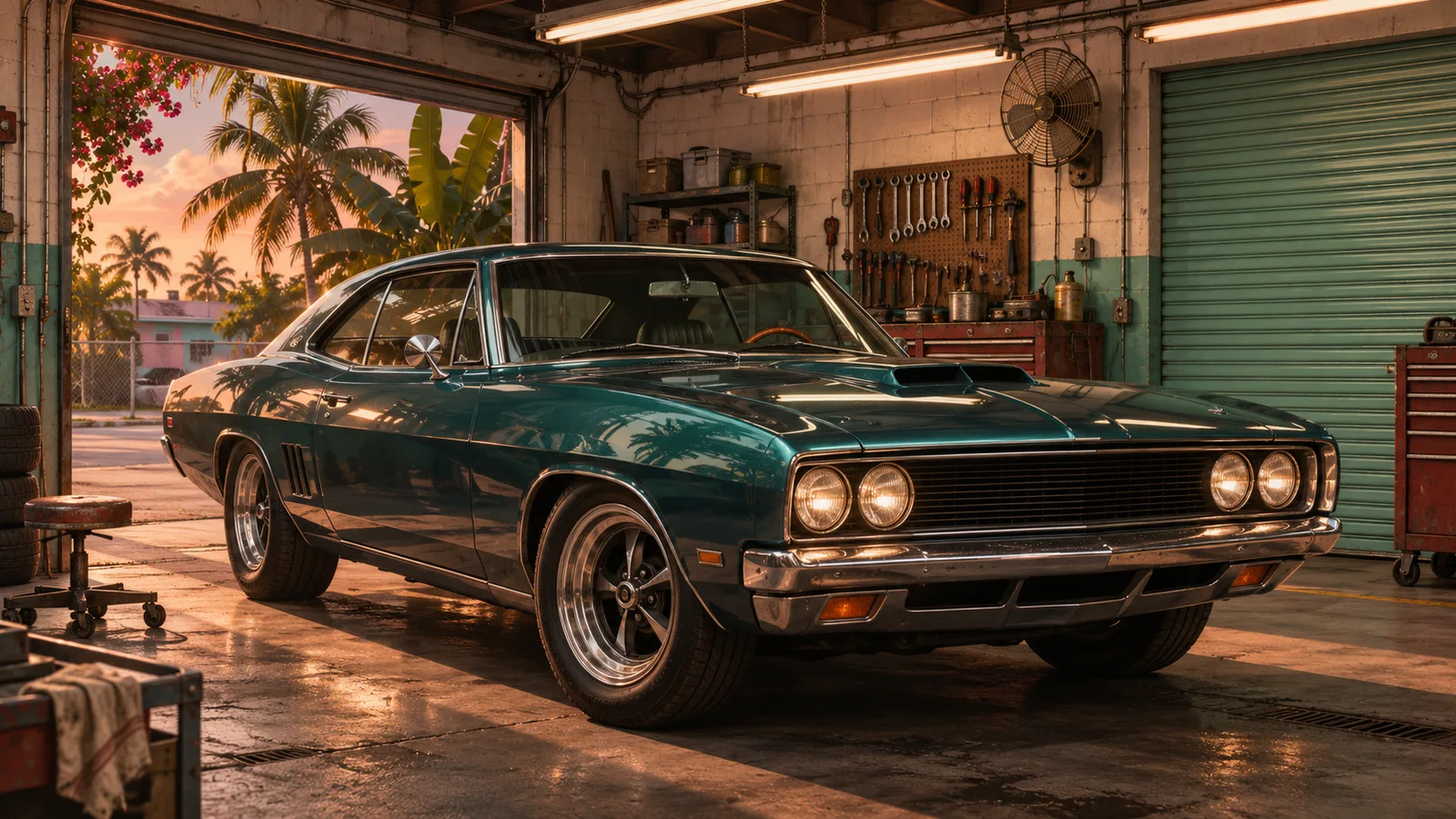
GTA 6 GuidesWhy do my stolen cars disappear?
A stolen car is not automatically a personal vehicle. Registration and a usable parking space are separate checks.
Read the field note ↗
GTA 6 GuidesTake your checklist to another device
Export a free LeonidaRides JSON backup on this device and import it on another. Memberships also offer private cloud saves; Rides Pro adds automatic sync with conflict review.
Read the field note ↗GTA 6 GuidesWhich vehicle numbers should you trust?
Compare the exact vehicle variant, measurement and source date before treating two GTA 6 car numbers as the same fact.
Read the field note ↗GTA 6 GuidesBuild a garage budget you can use
Add the parking spaces you still want, then budget separately for registration, upgrades and cash already in your account.
Read the field note ↗GTA 6 GuidesCan I register this GTA 6 car yet?
Read the security on the individual car, check your workshop unlock and leave room in a garage. A model name alone cannot answer all three.
Read the field note ↗GTA 6 GuidesCan I afford the car and its garage?
Add the registration quote to the property you still need. Sell value, temporary parking and the browser’s Registered checkbox are different things.
Read the field note ↗Why is my GTA 6 cheat not working?
Check story completion, the individual unlock and whether a sequence is actually published. A known cheat name does not mean its buttons are known.
Read the field note ↗Is a higher speed score the faster car?
A menu score can help you compare the reported selection. It cannot be converted directly into mph, a lap time or an upgraded-car guarantee.
Read the field note ↗Choose the next task
Already know what you need?
Open the vehicle list to keep your car scans, the garage planner to set a property target, or the story log for story entries. Each tool saves progress in this browser.
PC planning and version notes
Keep hardware planning separate from confirmed performance: record your PC build, check release evidence, or record the version you tested.